
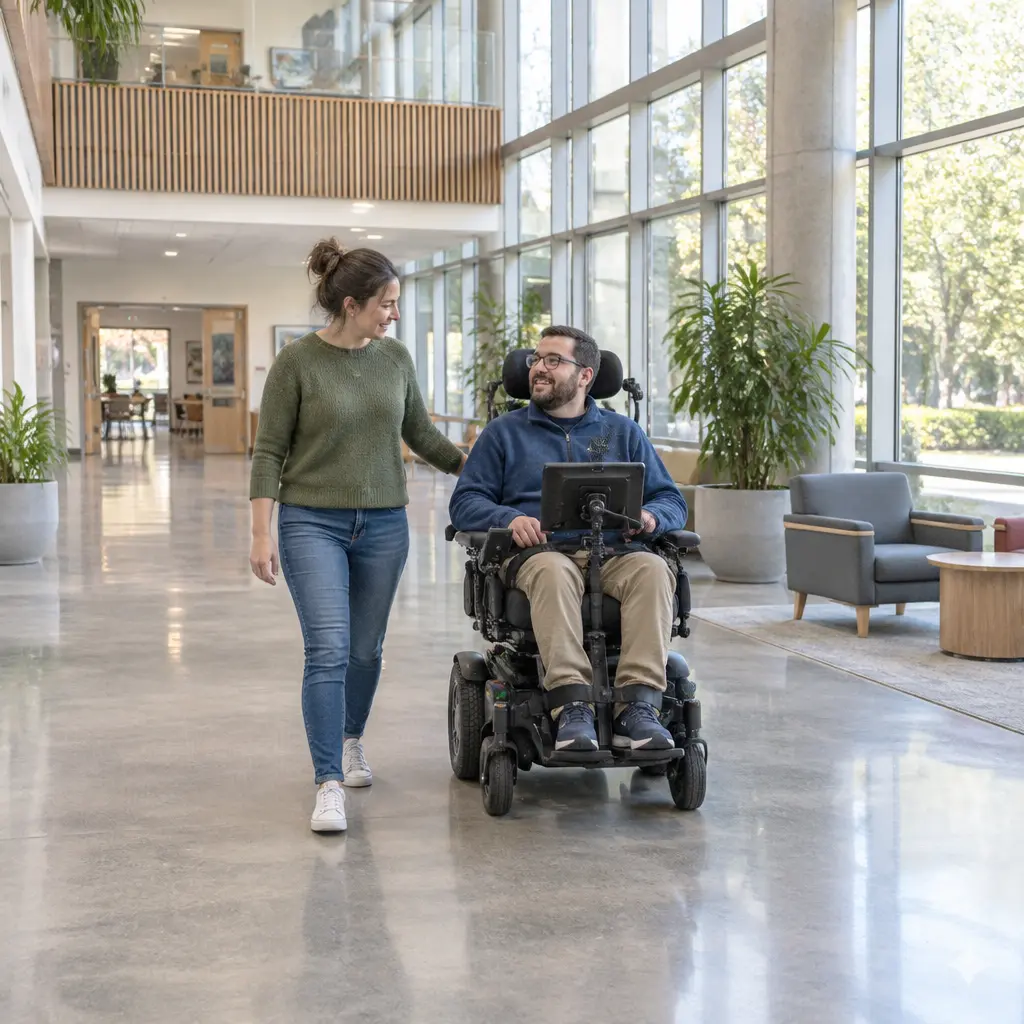
Smart wheelchairs are powered mobility devices that use sensors, software, and control systems to help a person navigate safely and, in some models, to assist caregivers with monitoring and mobility tasks. For caregivers, their value lies in matching the chair’s capabilities to the user’s needs: obstacle detection and navigation aids can support independence, while seating adjustments, reliable controls, and appropriate training remain essential. The World Health Organization estimates that 80 million people worldwide need a wheelchair, yet access to appropriate assistive technology is limited. This article explains what smart-wheelchair technology includes, how safety and caregiver support features work, what evidence says about benefits and limitations, and how to assess a device with a clinical team.
Smart Wheelchair Safety and Navigation
“Smart wheelchair” is a broad product and research term rather than a single standardized device category. Researchers such as Richard C. Simpson have described smart wheelchairs as powered wheelchairs augmented with computer-based assistance, including sensors and control systems that help users perform mobility tasks. In practice, features vary: some chairs provide warnings or simplified controls, while others can modify a driving command or help steer around obstacles. These functions are assistive—not a replacement for the user, caregiver, prescription, or professional assessment.
A useful distinction is the level of assistance. A system may give information, such as an obstacle alert; share control by limiting a hazardous command; or provide more substantial navigation support. The specific capabilities and limits depend on the device, configuration, environment, and user.
Obstacle detection and collision avoidance
Obstacle detection uses sensors—often ultrasonic, infrared, cameras, or depth sensors—to identify nearby objects. Collision-avoidance functions may warn the user, slow the chair, or prevent a movement command likely to cause impact. These functions can be valuable in crowded or unfamiliar spaces, but sensor coverage is not infallible. Reflective surfaces, clutter, low obstacles, changing light, and objects outside a sensor’s field of view may affect performance.
Caregivers should test the chair in the settings where it will actually be used, including doorways, ramps, kitchens, and outdoor routes. A safety feature should be treated as an additional layer, not as a guarantee that collisions cannot occur.
Shared control and navigation assistance
Shared control combines the user’s input with computer assistance. The system may preserve the intended direction while adjusting movement to avoid an obstacle, or it may offer route guidance in a familiar building. This can help users whose strength, coordination, vision, or precision is limited, while retaining a role for user choice.
The appropriate level of automation is individual. A caregiver and rehabilitation team should confirm that the user understands how assistance activates, how to stop or override it, and what happens if a sensor or control interface fails. The RESNA position paper on power mobility devices emphasizes assessment and training as part of safe, effective use.
Smart Wheelchair Caregiver Support and Monitoring
Caregiver support features are technologies intended to make daily mobility routines more manageable without displacing the user’s autonomy. Depending on the model, they may include attendant controls, status displays, programmable driving settings, or connectivity for service and equipment data. “Smart” does not automatically mean that a chair tracks a person remotely; caregivers should check exactly what information is collected, who can access it, and whether the feature is optional.
Attendant controls and programmable settings
An attendant control allows a caregiver to operate the wheelchair when the user cannot safely drive or needs assistance in a particular situation. Programmable settings can tailor acceleration, turning response, and speed to a user’s abilities or to different environments. These controls can support safer transfers and supervised practice, but an attendant control should not be confused with a substitute for appropriate staffing or hands-on help.
Caregivers should learn how to switch between user and attendant control, identify the active controller, and stop the chair quickly. Settings should be configured by qualified professionals, then reviewed if the user’s health, posture, or functional ability changes.
Connectivity, alerts, and privacy
Some systems can provide alerts or share operational information through a companion interface. Such features may help a caregiver notice a low battery or equipment issue, but they should not be assumed to provide continuous clinical monitoring. Ask the supplier what data are recorded, whether location information is involved, how long data are retained, and how accounts and devices are secured.
Connectivity also creates practical dependencies: wireless service, software updates, and compatible phones may be needed. The wheelchair must remain usable as safely as possible when a network or app is unavailable, and caregivers should know the manufacturer’s recommended fallback and support process.
Smart Wheelchair Access, Seating, and User Outcomes
A smart control system is only one part of a suitable wheelchair. The World Health Organization’s wheelchair provision guidance describes a service process that includes individual assessment, fitting, training, and follow-up. These steps matter because a poorly fitted chair or inaccessible control can undermine comfort, safety, and independence regardless of its sensors.
Individual assessment and fit
Assessment considers the user’s posture, pressure-management needs, physical abilities, home and community environments, transportation, and goals. A seating or rehabilitation professional can help select the base, cushion, supports, control method, and any power positioning options. The U.S. Centers for Medicare & Medicaid Services’ coverage rules also illustrate that powered mobility equipment is tied to documented medical need and an evaluation, rather than technology features alone.
Before choosing a system, caregivers can list daily routes and tasks, then test whether the user can operate controls reliably in those situations. Consider doorway width, turning space, thresholds, vehicle transport, charging access, and the availability of repairs.
Training, independence, and evidence
Training teaches the user and caregiver how to drive, manage batteries, use safety features, respond to faults, and perform routine checks. Research on smart wheelchairs has explored potential benefits for users with complex mobility needs, but systems differ substantially and findings from a prototype or controlled study do not establish that every commercial feature improves outcomes for every user.
The WHO reports that access to appropriate wheelchairs can support education, employment, and social participation. Its global estimate of 80 million people needing wheelchairs underscores the wider importance of affordable, appropriate provision. That figure describes need, not the number of people who would benefit specifically from a smart wheelchair; conventional powered or manual mobility may be more suitable for many individuals.
Smart Wheelchair Selection and Daily Care
Selecting a device is a shared decision among the user, caregiver, clinical team, and supplier. The aim is not to choose the most automated chair, but to find a reliable system that fits the user’s goals, abilities, surroundings, and support arrangements.
Questions to ask before purchase or trial
- Which specific task does each smart feature help with, and what are its known limitations?
- Can the user control, stop, and override the assistance in realistic conditions?
- Are attendant controls available, and can the caregiver be trained to use them?
- What fitting, clinical evaluation, training, and follow-up are included?
- How are batteries, repairs, software updates, replacement parts, and warranty service handled?
- Does the chair work safely if connectivity or a companion app is unavailable?
- What user data are collected, and how are privacy and account access managed?
Maintenance and caregiver routines
Routine care can include checking tire condition, brakes, seating components, battery charge, cables, and sensor cleanliness according to the manufacturer’s instructions. Caregivers should record recurring faults and contact the supplier rather than attempting repairs that could affect safety or warranty coverage. Reassessment is important after a change in health, posture, control ability, or living environment.
A simple daily checklist can cover charge level, clear sensor surfaces, secure seating supports, and the planned route. These checks complement—not replace—scheduled servicing and professional review.
Conclusion: Smart Wheelchair Technology for Caregivers
Smart wheelchair safety and navigation features can offer obstacle alerts, shared control, or route assistance; caregiver support may include attendant controls, configurable settings, and selected status information. Their usefulness depends on individual assessment, appropriate fit, training, privacy safeguards, and dependable maintenance. With 80 million people worldwide estimated to need wheelchairs, expanding access to suitable mobility technology is important—but smart features are not a universal solution. Caregivers should involve the wheelchair user in decisions, request a real-world trial, and consult a qualified rehabilitation or seating professional before selecting equipment.
Sources: World Health Organization, Wheelchair provision guidelines, 2023, https://www.who.int/publications/i/item/9789240074521; World Health Organization, Assistive technology, https://www.who.int/news-room/fact-sheets/detail/assistive-technology; Simpson, Richard C., Smart wheelchairs: A literature review, Journal of Rehabilitation Research and Development, 2005, https://pubmed.ncbi.nlm.nih.gov/16320160/; Rehabilitation Engineering and Assistive Technology Society of North America (RESNA), Position on the Application of Power Mobility Devices for Adults, https://www.resna.org/Portals/0/Documents/Position%20Papers/RESNA%20Position%20on%20the%20Application%20of%20Power%20Mobility%20Devices%20for%20Adults.pdf; Centers for Medicare & Medicaid Services, National Coverage Determination 280.3: Mobility Assistive Equipment, https://www.cms.gov/medicare-coverage-database/view/ncd.aspx?ncdid=219


