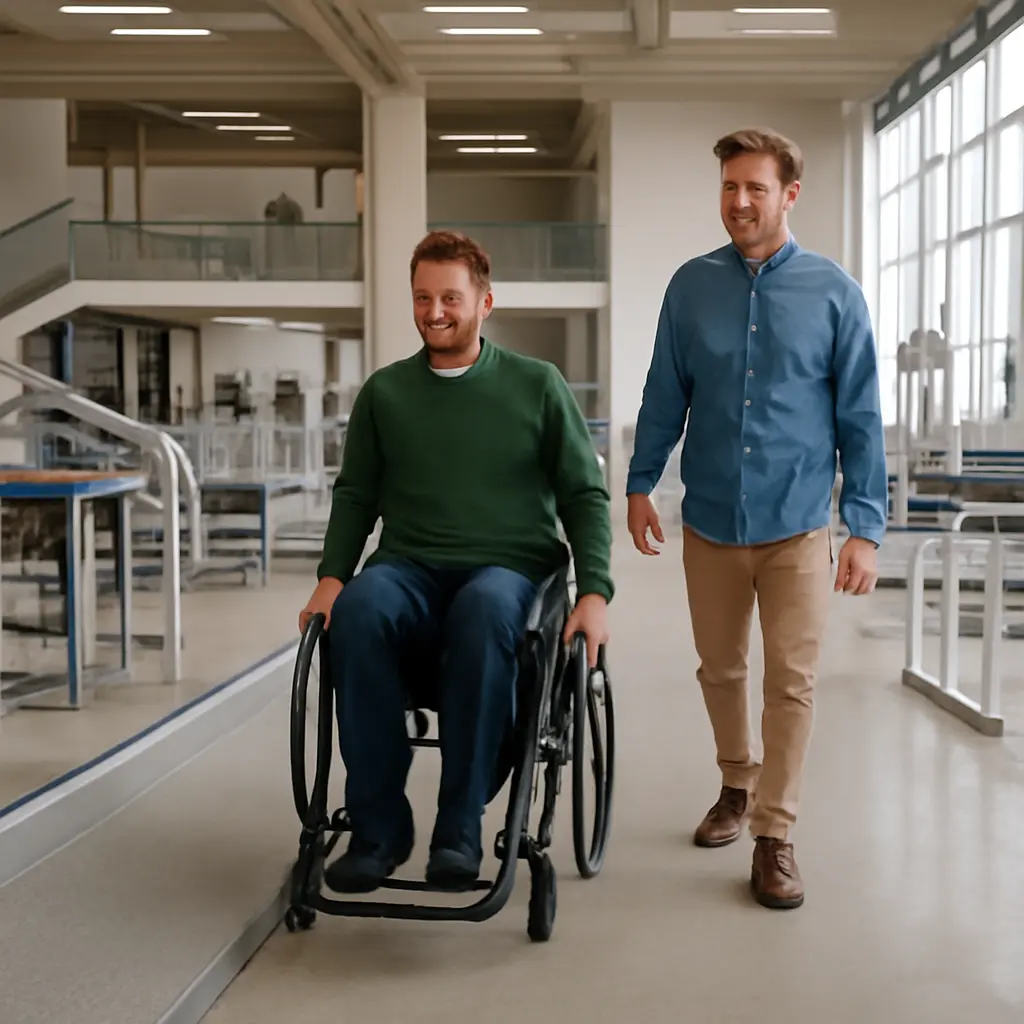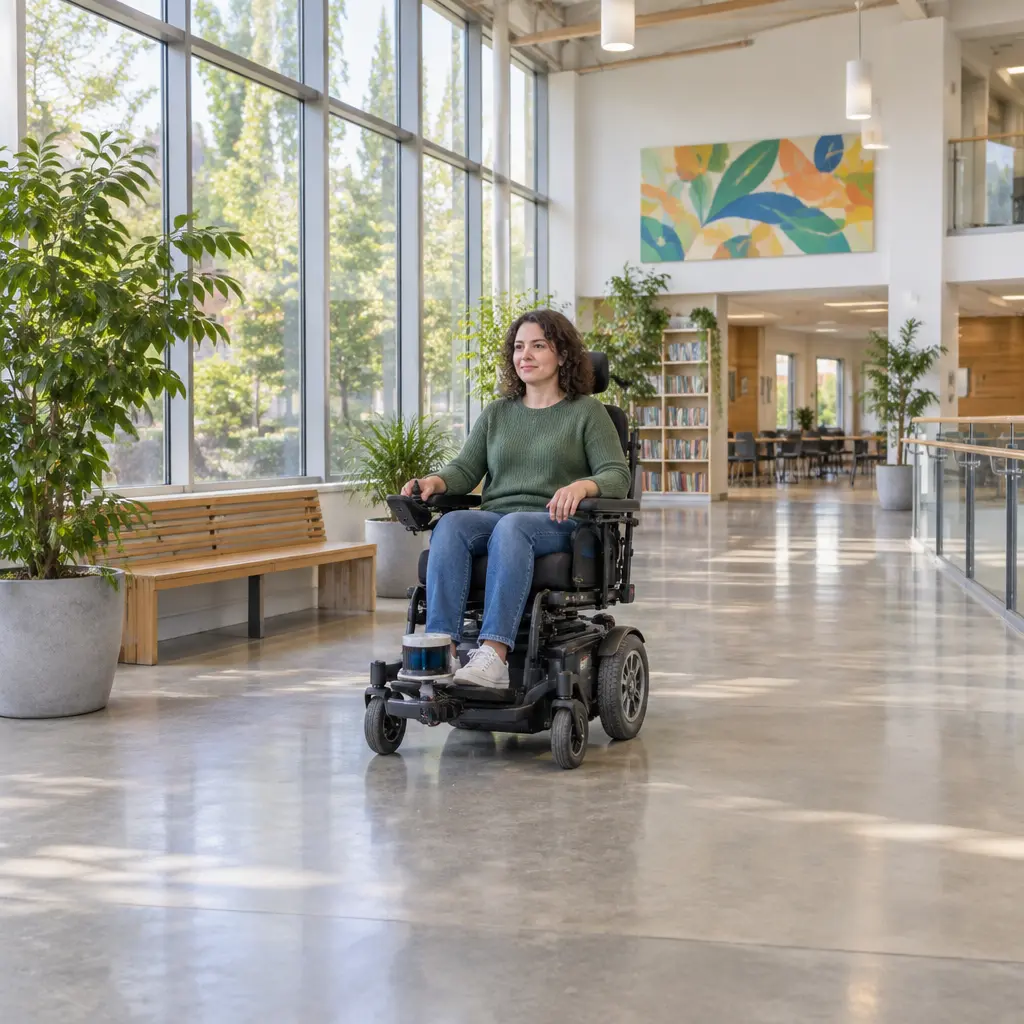
A smart wheelchair is a powered mobility device that uses sensors, computing, and control software to help a person move through their environment. It can combine joystick control with features such as obstacle detection, route assistance, or alternative input methods; research reviews describe these systems as ways to support safer, more accessible mobility, while emphasizing that performance depends on the user, the device, and the surroundings. Understanding how smart wheelchair technology works means looking at its sensors and controls, its navigation and safety functions, and the clinical process that matches a system to an individual. The World Health Organization estimates that 80 million people worldwide need a wheelchair, underscoring the importance of making mobility technology usable, reliable, and appropriate.
How Smart Wheelchair Sensors and Controls Work
Smart wheelchair sensing and control describe the process of gathering information about a user’s commands and nearby environment, then translating that information into movement. In a 2010 review in the Journal of Rehabilitation Research and Development, researchers Raja S. A. Simpson and colleagues characterized intelligent wheelchairs as powered wheelchairs augmented with computer-based assistance, including navigation and collision avoidance. The basic system links input devices, a controller, sensors, and electric motors; the degree of automation varies from simple warnings to software that modifies or guides movement.
User input: joystick, switches, and alternative controls
An input device converts a person’s intended direction or action into an electrical command. A conventional joystick typically sends directional signals to the wheelchair controller, while switches, head arrays, sip-and-puff controls, or eye-gaze interfaces can provide alternatives for people who cannot operate a joystick reliably. The appropriate interface is selected through an individualized assessment: a control that works well in a clinic may be difficult to use in a crowded home or on uneven ground. Smart functions generally supplement, rather than replace, the user’s command.
Sensors: detecting obstacles and movement
Sensors measure features of the wheelchair’s surroundings or its own motion. Ultrasonic sensors estimate distance by measuring returning sound waves; cameras capture visual information; lidar measures distance using laser light; and bumpers or infrared sensors can provide simpler proximity detection. Wheel encoders and inertial measurement units help estimate how far and in what direction the chair has moved. Each sensor has limits: camera performance can be affected by poor lighting, and distance sensors may miss objects outside their field of view or behave differently around reflective and irregular surfaces. For this reason, systems often combine sensor types rather than relying on one source of information.
The controller and motor commands
The controller is the electronic unit that interprets user input and sensor data and sends commands to the motors. In an assisted system, it may slow or stop the chair if an obstacle is detected; in a more autonomous mode, it may help follow a selected route. Safety logic must balance assistance with user control: overly cautious software can stop frequently, while insufficient caution can leave hazards unaddressed. The U.S. Food and Drug Administration regulates powered wheelchairs as medical devices, and its guidance stresses that users and providers should understand device operation, risks, and safe use.
How Smart Wheelchair Navigation and Assistance Work
Navigation and assistance are the software functions that turn sensor readings and user commands into practical movement support. Systems are often grouped by how much authority they take: shared-control systems help with a user-directed task, while autonomous systems can plan or execute more of a route. These categories are not interchangeable, and a product’s “smart” label does not by itself establish its level of independence or safety.
Obstacle detection and collision avoidance
Obstacle detection identifies an object in the chair’s path; collision avoidance uses that information to warn, slow, stop, or steer. A basic implementation may trigger a brake when a sensor reports an object within a set distance. More advanced systems estimate a safe path around it. The distinction matters: detecting a chair leg is not the same as understanding whether the user can safely pass it. Reviews of intelligent wheelchair research note that clutter, narrow spaces, sensor blind spots, and changing environments remain important challenges. A visual example would show sensor coverage zones around a chair beside a table, illustrating why objects outside those zones may not be detected.
Shared control and route assistance
Shared control combines a person’s command with computer assistance. If a user steers toward a doorway, for example, the system may help keep the chair centered or prevent contact with the frame while preserving the user’s overall direction. Route assistance can use mapped locations, landmarks, or position estimates to guide travel between destinations. Indoor positioning is difficult because satellite navigation such as GPS is often weak or unavailable inside buildings; systems may instead rely on cameras, lidar, wheel motion, or installed beacons. The International Organization for Standardization’s wheelchair standards address safety and performance testing, but a standardized test cannot fully represent every building or daily-use situation.
Autonomous navigation and its limits
Autonomous navigation allows software to plan and carry out some movement with limited continuous steering from the user. A system may map an area, locate the chair within that map, and calculate a route around obstacles. Research prototypes have demonstrated these capabilities, but real-world deployment must account for people moving unpredictably, temporary obstructions, ramps, doors, and changes to familiar spaces. Autonomous functions should therefore be understood as assistance with defined operating conditions, not as a guarantee that a chair can safely navigate every environment without supervision.
How Smart Wheelchair Safety and Personalization Work
Safety and personalization determine whether a technically capable chair is appropriate for a particular person and setting. A wheelchair is both a mobility aid and a fitted device: seating, posture support, control access, speed, and driving behavior can affect comfort and function. The WHO’s 2023 wheelchair provision guidance recommends an individual process that includes assessment, fitting, training, and follow-up, rather than treating equipment delivery as the end of care.
Assessment, fitting, and training
Assessment identifies the user’s mobility goals, physical abilities, environment, and preferred controls. Fitting adjusts the chair and seating to the person, while training helps the user and caregivers learn operation, charging, maintenance, and safe maneuvering. The WHO’s 2023 guidance describes these services as connected parts of wheelchair provision. For a smart chair, training should also cover what the sensors can and cannot detect, how to override assistance when appropriate, and what to do if an alert or automated function behaves unexpectedly.
Safety testing, maintenance, and reliability
Reliability depends on more than software: batteries, tires, brakes, wiring, seating supports, and sensors all need appropriate inspection and maintenance. ISO 7176 is a family of international standards for wheelchair testing, covering areas such as stability, braking, and electrical systems. Testing provides a common basis for evaluating performance, but users should still follow the manufacturer’s instructions and seek professional service when a chair’s behavior changes. Sensor surfaces may need cleaning, and damaged or poorly calibrated components can reduce the accuracy of assistance features.
Privacy, connectivity, and cybersecurity
Connected wheelchairs may use wireless links, mobile applications, or stored usage data for configuration and service. These features can be useful, but they also raise questions about who can access information, how software updates are handled, and whether a network connection is necessary for core mobility functions. The U.S. Food and Drug Administration’s cybersecurity guidance for medical devices recommends managing cybersecurity risks throughout a device’s lifecycle. Users and providers should review privacy settings, update procedures, and any data-sharing terms supplied with a particular system.
How Smart Wheelchairs Are Used in Practice
Practical value depends on the match between technology and daily mobility needs. A person who can steer but benefits from collision warnings may need a different configuration from someone who requires alternative controls or route support. The WHO reports that about 80 million people need a wheelchair globally, while access to appropriate products and services remains uneven; this makes affordability, repair support, and trained provision as important as advanced features.
A home and community example
Consider a user navigating a familiar home corridor and then entering a busy community building. At home, a mapped route or obstacle warning may help with doorways and furniture. In the public building, crowds, temporary signs, and unfamiliar layouts may make the same feature less dependable. The user’s control remains essential, and the system’s sensors should be treated as support rather than a substitute for awareness or assistance when needed. This example illustrates why real-world evaluation should include the places where a person actually travels.
Choosing and evaluating a system
A useful evaluation asks whether the chair fits the user’s goals, whether controls are accessible, and whether the assistance works in relevant environments. Users and clinicians can compare features such as obstacle alerts, speed adjustment, alternative input methods, battery range, service availability, and compatibility with home access. They should also ask how the system behaves when sensors fail or lose power, and whether a local supplier can provide repairs and follow-up. A feature list alone cannot establish suitability; hands-on trials and professional assessment are central to a sound decision.
Conclusion: Smart Wheelchair Technology in Context
Smart wheelchair technology works by combining user inputs, environmental and motion sensors, controllers, and powered motors. Navigation features range from obstacle warnings and shared control to limited autonomous route assistance, while safety and personalization depend on assessment, fitting, training, maintenance, and clear understanding of system limits. With an estimated 80 million people worldwide needing wheelchairs, improving access to appropriate mobility technology has broad implications for independence and participation. Anyone considering a smart wheelchair should consult a qualified mobility professional, test relevant functions in everyday settings, and review maintenance, privacy, and support arrangements before choosing a system.
Sources: World Health Organization, Wheelchair provision and use, https://www.who.int/news-room/fact-sheets/detail/wheelchair-provision-and-use; World Health Organization, Wheelchair provision guidelines, 2023, https://www.who.int/publications/i/item/9789240074521; Simpson, Raja S. A., et al., “The Smart Wheelchair Component System,” Journal of Rehabilitation Research and Development, 2010, https://pubmed.ncbi.nlm.nih.gov/208416ಿಯನ್ನು/; U.S. Food and Drug Administration, Wheelchairs, https://www.fda.gov/medical-devices/products-and-medical-procedures/wheelchairs; International Organization for Standardization, ISO 7176 Wheelchairs, https://www.iso.org/standard/70208.html; U.S. Food and Drug Administration, Cybersecurity in Medical Devices: Quality System Considerations and Content of Premarket Submissions, https://www.fda.gov/regulatory-information/search-fda-guidance-documents/cybersecurity-medical-devices-quality-system-considerations-and-content-premarket-submissions.